MA Lighting International GmbH
An der Talle 24-28
33102 Paderborn
Germany
sales@malighting.com
+49 52 51 68 88 65 10
Further links:

grandMA3 onPC DMX-key

The grandMA3 onPC DMX-key is the perfect plug and play solution for various applications and venues.
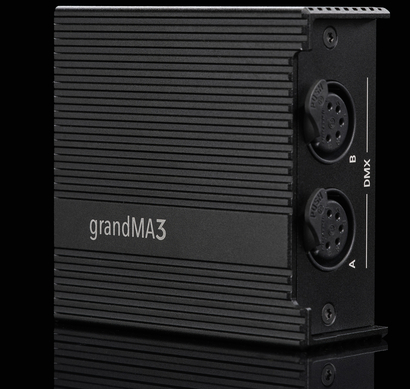
grandMA3 onPC DMX-key
The grandMA3 onPC DMX-key is a powerful solution for achieving professional lighting results in compact and flexible environments. It unlocks 4 096 parameters directly via a conventional USB-C connection to the free of charge grandMA3 onPC software. It provides the performance and reliability of the grandMA3 platform, eliminating the need for dedicated consoles or complex infrastructure.
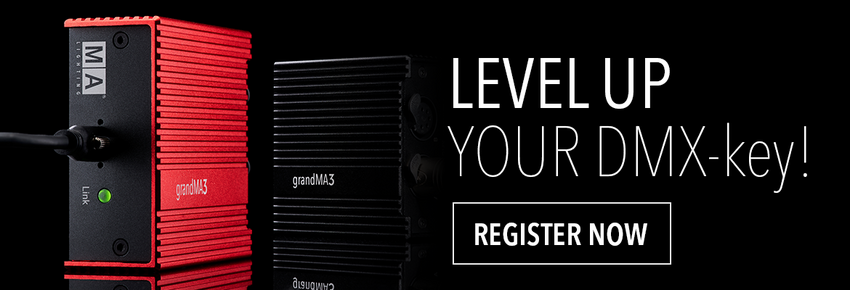
Plug & Play ready
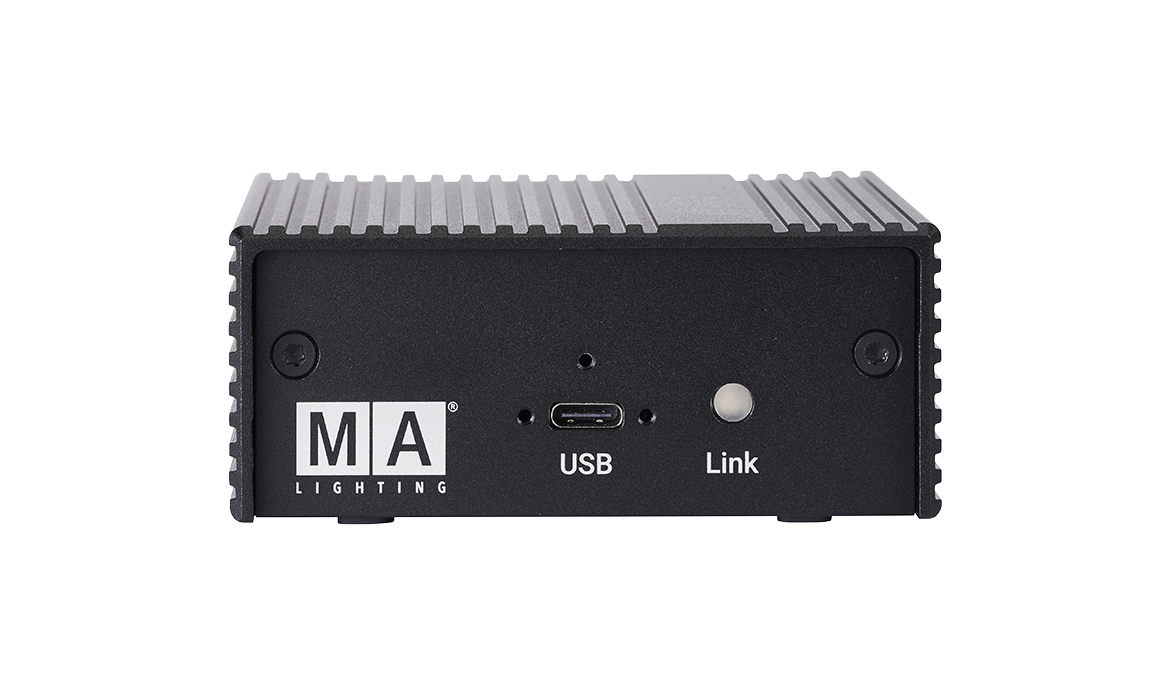
Lockable USB-C connection
You can simply connect your device via a conventional USB-C connection to your laptop or PC. The lockable USB‑C port secures your cable with a durable hold. Zero interruptions, zero wiggle. Built for demanding environments, it provides maximum connection stability.
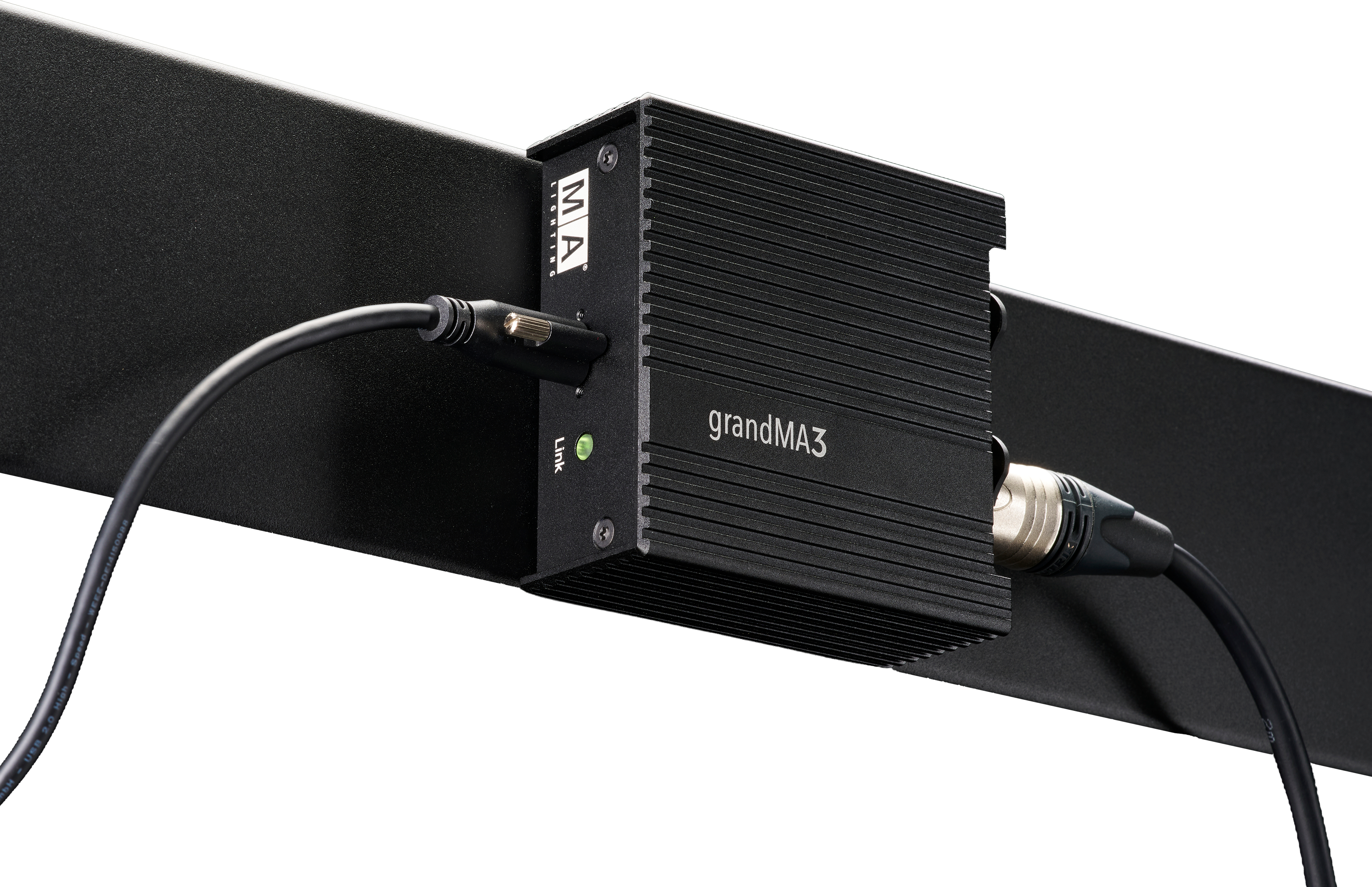
Easy Mounting Rails
Install with total ease: Exact-fit guide rails and a matching screw set allow for quick and secure installation in any system rack or case. No hassle, just fast and reliable installation that gets you up and running in minutes.
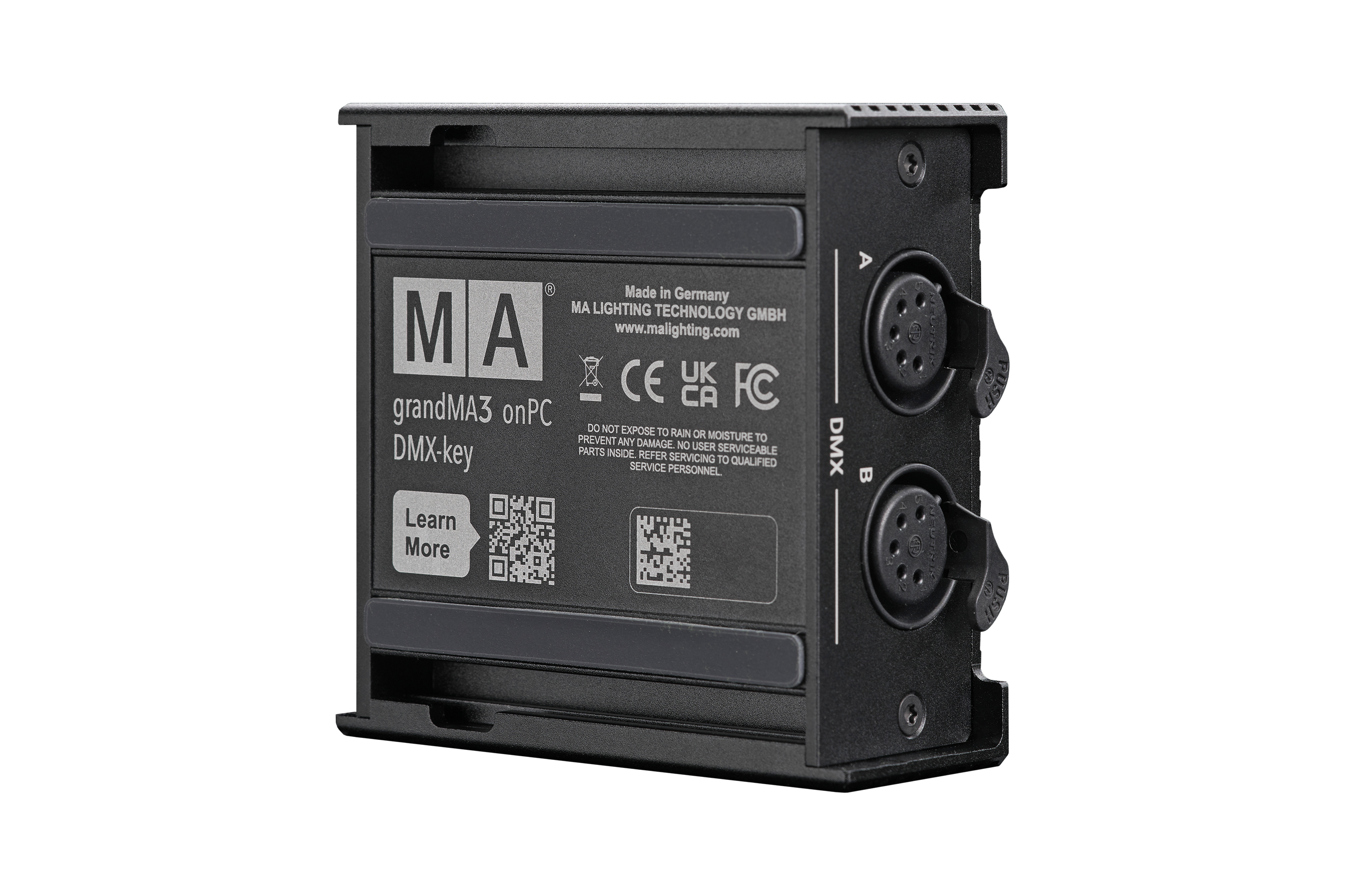
Anti-slip strips
The anti-slip strips keep your device locked in place to ensure a secure grip on any surface. Whether you work in a club, with a DJ desk or at a small front of house on a cruise ship - this optimized footing keeps your device firmly in place.
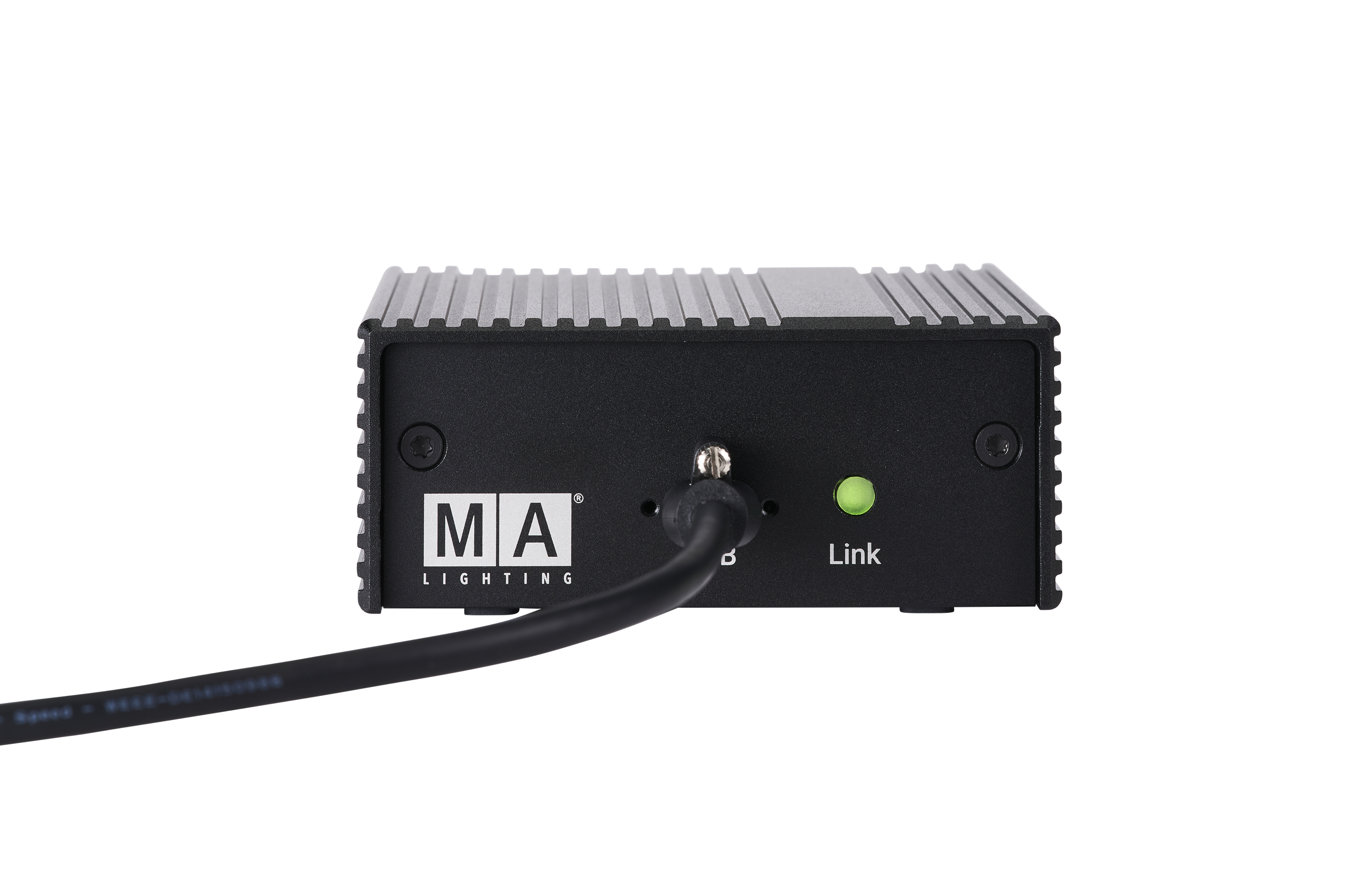
Status LED
Know instantly when you’re connected: the integrated Status LED gives you immediate confirmation the moment your device is securely connected to the grandMA3 onPC software. Designed to give clear system visibility, it reliably shows in real time that everything is working as intended.
Your perfect start into the grandMA3 world!

grandMA3 onPC DMX-key starter
The grandMA3 onPC DMX-key starter is more than just a device: it’s your first step into the MA Lighting universe.
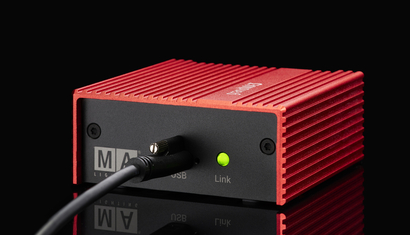
grandMA3 onPC DMX-key starter
Designed as the perfect first step for the new generation of lighting designers, programmers, and creative minds, the grandMA3 onPC DMX-key starter is the ideal introduction to the world of lighting design. This compact, affordable and powerful small USB device unlocks the full potential of the free of charge grandMA3 onPC software, giving you 1 024 parameters via two DMX outputs without compromising on features or functionality.
Get connected
Start smart and simple in just 3 steps
A budget-friendly, plug-and-play solution designed to get you up and running in a minute. No configuration or networking setup required. No technical barriers.

Step 1: Download the grandMA3 onPC Software
Download the free of charge grandMA3 onPC Software from our website.
(Requires software version 2.3.1.1 or higher)

Step 2 | Plug in your USB-C cable
No setup, configuration or network knowledge is required. Simply connect the grandMA3 onPC DMX-key to your PC and launch the grandMA3 onPC software. The DMX-key works instantly with your PC or laptop and you're ready to start working and programming your first shows.

Frequently asked questions
Is DMX input configuration supported?
Yes, you can configure the DMX port as a DMX input in the software.
Is RDM supported via the DMX ports?
Yes, RDM is supported.
Are parameter counts added together?
No, there is no addition of parameters, e.g. a DMX-key starter + viz-key etc.
Can I connect more than one DMX-key to the grandMA3 onPC software?
You can connect 1x DMX-key plus 1x DMX-key starter. The parameter count stays at 4 096 – the maximum for grandMA3 onPC.
What is the maximum of devices I can connect to the grandMA3 onPC software?
The maximum is: 1x grandMA3 onPC command wing, 2x grandMA3 onPC fader wing, 1x DMX-key, 1x DMX-key starter.
Which version of the grandMA3 onPC software do I need to use the grandMA3 onPC DMX-key?
You need software version 2.3.1.1 or higher to use it.
Is the DMX-key compatible with the grandMA2 onPC software?
No, the DMX-key only operates with the grandMA3 onPC software.
Is it possible to use a USB extender together with the DMX-key?
There are a few active USB extenders that can work, but there is no guarantee.
Can the DMX-key process standalone OSC?
No, the DMX-key is not a standalone device. It only operates together with the grandMA3 onPC software.
Does the DMX-key support CRMX wireless signals?
No, there is no wireless functionality.
Does the device allow network output?
There is no network interface. The network interface of your computer will allow you to send DMX via network protocols (MA-Net3, sACN, Art-Net).